
Automatic Vendor Products PRO
Create and assign a WooCommerce product to each vendor automatically the moment they connect their Stripe account — no per-vendor admin work.
PRO feature, off by default. Enable it under Split Pay settings → Vendor Onboarding → Vendor Automation → Automatically create a product for each vendor.
When enabled, Split Pay creates a WooCommerce product for each vendor the moment they finish connecting their Stripe account — whether they onboarded through the [split_pay_vendor_connect] shortcode or the vendor dashboard. No admin work is needed per vendor.
What gets created
Each vendor receives one simple product that is:
- Named after the vendor — "Send money to {vendor display name}".
- Hidden from your shop catalog — reachable only via its URL (or the vendor's QR code).
- Virtual — no shipping fields at checkout.
- Sold individually — one per order.
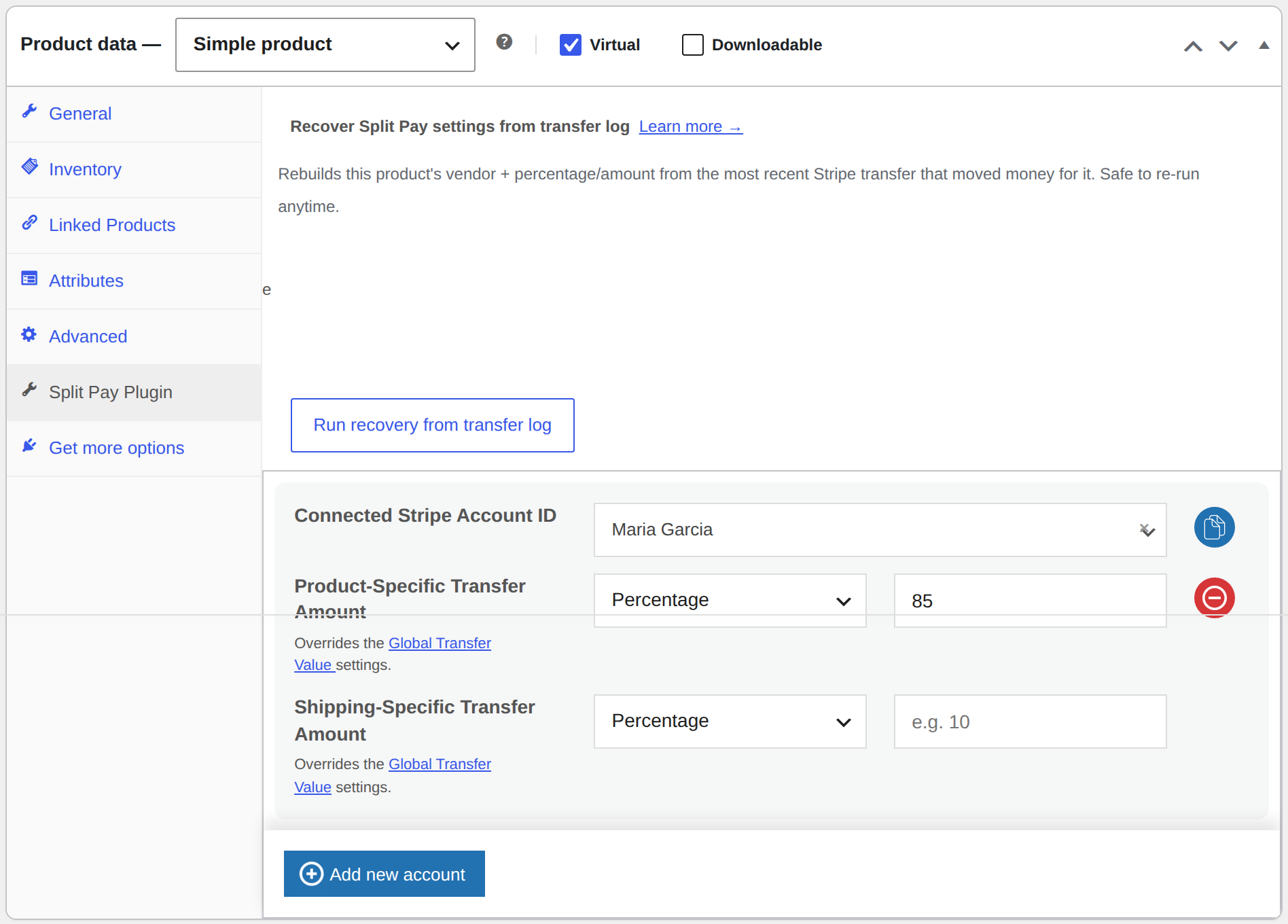
- Assigned to the vendor's connected account at your configured Vendor share (%) — exactly as if you had configured the product's Split Pay tab by hand. The remainder of each sale stays with your platform account.
You can change any of these defaults with the spp_vendor_product_args filter.
Name Your Price support
If a supported name-your-price plugin is active when the product is created, Split Pay enables it on the product automatically so customers can enter any amount:
- WPC Name Your Price for WooCommerce (WPClever)
- Name Your Price (WooCommerce official)
Percentage splits always follow the amount the customer actually paid — not the product's base price — so an 85% share of a $100 payment transfers $85.
Using a different name-your-price plugin, or a version that stores its settings differently? Use the spp_apply_nyp_meta filter to set the exact product meta your plugin expects.
One product per vendor, per mode
Product creation is idempotent:
- A vendor who re-runs onboarding (or reconnects after disconnecting) keeps their existing product — the account assignment is refreshed, never duplicated.
- If the product was deleted, a new one is created on the next onboarding completion.
- Test mode and live mode track separate products because readiness and automation state are mode-specific. The same exact Stripe account ID can still be valid in both modes.
When a vendor disconnects
The When a vendor disconnects setting controls what happens to the auto-created product:
| Option | Behavior |
|---|---|
| Keep the product published (default) | The account assignment is removed so no further transfers are attempted. The product remains purchasable; proceeds stay with your platform account. |
| Unpublish the product | The product is set to draft, so its URL (and any printed QR codes) stop accepting payments. |
Either way, when the vendor reconnects their account, the product is re-assigned and republished automatically.
Finding auto-created products
Auto-created products carry the meta _spp_auto_created = 1 plus the owning user id (_spp_vendor_user_id) and Stripe mode (_spp_vendor_mode). They appear in Products in wp-admin like any other product, and you can edit them freely — your changes are preserved (only the account assignment is touched on reconnect).